SRD identity verification link – Online Application & e-KYC 2026
SASSA requires all beneficiaries to complete identity verification to qualify for child, old age, disability, and SRD R370 grants. In today’s digital world, this verification can be done easily from the comfort of your home. This guide covers all about how to do SASSA authentication through the SRD identity verification link online application. Follow the step-by-step guide.
What is the SASSA SRD Identity Verification Link?
SRD identity verification is used by SASSA to confirm that the applicant is the person they claim to be. This is crucial for security, fraud prevention, and regulatory compliance, which involves ensuring applicants are who they claim to be in a digital world to protect the SASSA program from theft and fraud. Its sole purpose is to build trust and provide fairness to all the users by confirming authenticity, especially when physical presence isn’t possible, and to safeguard sensitive data.
What is SASSA KYC verification?
The SASSA Electronic Know Your Customer verification (eKYC) is a digital process using facial recognition and personal details, such as ID and phone, to confirm the identity of beneficiaries, to prevent fraud, and also to ensure that payments go to the real applicants. This process involves a selfie scan linked to Department of Home Affairs records. When you check your SRD status, and if it shows identity verification pending, go to the official SASSA SRD website (srd.sassa.gov.za) to update details and do a biometric authentication for continued R350 grant payments.
What is the SRD identity verification link?
The SRD identity verification link, either through the official website or an SMS link, allows applicants to verify their identity by submitting a selfie, which is checked directly against DHA records.
Purpose of Srd Sassa Gov Za Identity Verification
The purpose of the SRD Sassa Gov ZA identity verification is
Verification Check | Purpose |
|---|---|
ID number validation | Confirms the applicant’s identity is genuine |
Selfie / biometric check | Matches the applicant’s face with official records |
DHA record match | Verifies identity against Department of Home Affairs data |
Duplicate check | Prevents multiple applications by the same person |
Deceased record check | Ensures funds are not issued to deceased individuals |
Fraud prevention | Reduces identity theft and false claims |
Eligibility confirmation | Confirms the applicant meets grant requirements |
How to Do SRD Identity Verification
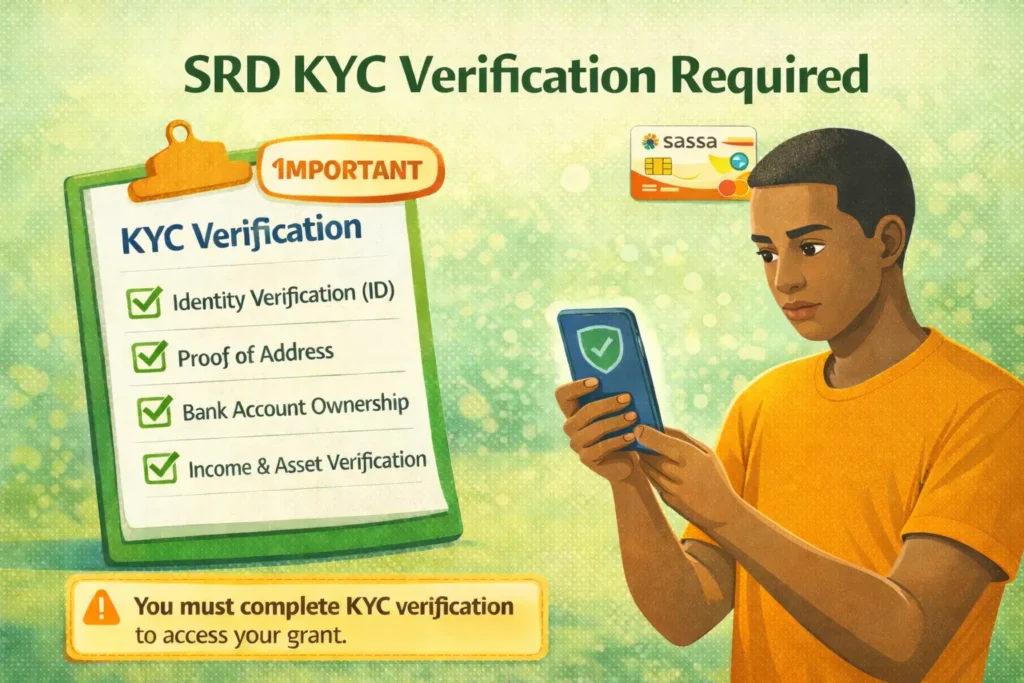
The SASSA makes it mandatory to complete your KYC verification to confirm your identity and continue receiving your grant balance. Follow the steps to verify, fix, or update your identity.
Online/Mobile Verification via e-KYC
For SRD grant beneficiaries, they can verify their identity online through the official website.
- Visit the official site srd.sassa.gov.za
- Log in by providing your ID number and registered phone number.
- Navigate to the verify section and click on it.
- SASSA will send a secure link via SMS for identity verification on your registered number.
- Click on the link.
- The official SASSA verification website will open in the browser.
- Fill in the details again (ID number, cell phone number)
- Follow prompts and use your smartphone camera for a selfie (facial scan) or fingerprint scan, as required, ensuring your device has stable internet and camera quality.
In-Office Verification
All other grant applicants can do the verification by visiting the office in person.
- Go to the nearest SASSA office with your ID and registered phone.
- Inform the customer representative to do your facial or biometric authentication.
- They will advise how to do the verification in the office.
- Use fingerprint or facial scanners.
- A message will pop up on the screen if verification is successful.
Also Read: Change SRD Phone Number
SRD Identity Verification Update
If verification failed due to incorrect information and you need to update your contact details, log in to the official SRD website and use the “Manage My Personal Information” section. Update your details with the correct information and confirm the changes using the one-time PIN (OTP).
Identity verification Key Requirements & Tips
- Use the cell number that is active and used for the application.
- Provide a Smart ID, as it is required for biometric verification. Green ID books may lead to verification issues or temporary suspension.
- Use a smartphone with a quality camera for online biometric verification.
- If you face any issue during the process, contact SASSA through their free hotline, 0800 601 011, or email them for help.
Important Note
After completing the process, if errors appear, review the details on the screen, including your ID, phone number, contact information, and banking details.
Required documents for SRD identity verification
- South African National ID card, passport number, asylum seeker file number, and special permit numbers.
- Email addresses and SASSA-registered phone numbers.
- Ensure a clear background during facial recognition.
Common Causes of SRD Identity Verification Failure
There are several reasons due to which SASSA fails or rejects your verification with the DHA date.
- Expired, damaged, or unaccepted document types.
- Blurry images, glare, poor lighting, or obstructions can prevent critical information from being read.
- Incorrect or mismatched information, such as typos, using nicknames instead of real names, or outdated addresses.
- Failing Biometric/Liveness Checks: Dark light or staying straight and not moving can interfere with these security checks.
- Also some technical reasons, such as connectivity problems, mobiles that do not support e-KYC, and software glitches.
Delayed Verification SMS?
If you selected the verification option but did not receive the link on the phone number used during your online application, there is no need to worry. SASSA may take up to three days to send the verification link.
If three days have passed and you still have not received the link, visit your nearest SASSA office to complete the verification in person. Remember to bring all required documents with you.
FAQs About SRD Identity Verification
Conclusion
This guide explains how to complete SRD identity verification online using the official link. It also covers how to update incorrect details and fix common issues that cause identity verification to fail for SASSA applicants.
Hello everyone please help me with my sassa grant other months are approved an not dated, from September, October November and December