Sassa Payment Methods – Online and Offline
SASSA is a South African government social welfare organization that provides financial relief to South African citizens, asylum seekers, and permanent residents. Their help is in the form of money, which ranges from temporary support (SRD) to permanent support (pension). The grants provide various types of financial support, with the lowest being the temporary relief grant and the highest being old-age or disability support. Like various levels of grants, it also provides the beneficiary with the ability to receive their grant through different payment channels. This article is all about the different mediums through which you can receive the SASSA social grants.
What are SASSA Payment Methods?
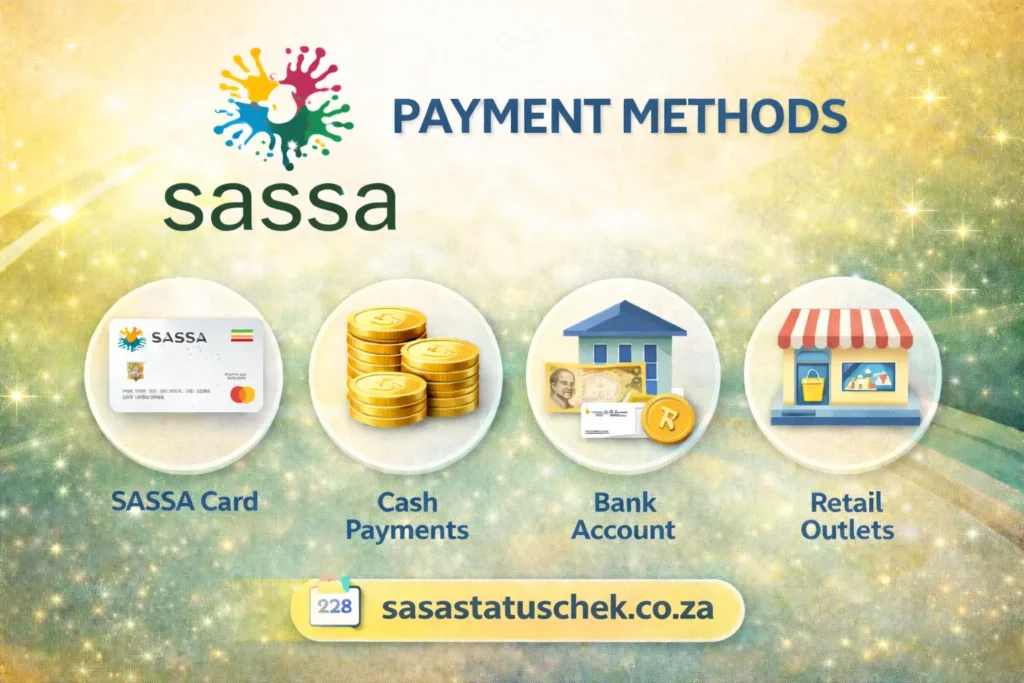
SASSA is a social agency that supports vulnerable South African people and provides the applicants with a grant in the shape of cash. Now it has offered the users to get the payment directly themselves without submitting an application again to release the payment or going to the local SASSA offices. When you’ve opted for any method, SASSA sends the balance directly into it. These options include personal bank accounts (including Postbank), SASSA gold cards at ATMs/retailers, or the cash option. Other options for specific grants include mobile money transfers, also for old-age grant payments at old-age homes.
Different SASSA Payment Methods:
If your grant is approved and the paydays are scheduled, you can use any of the following to receive the amount.
Bank Account (Direct Deposit):
Do you have a personal bank account? If not, create one by visiting any nearby bank because it is one of the most secure and preferred methods to get paid. If you want to receive the grant amount via bank account, go to the office or visit the official website, log in to the account, click on payment method, select the bank account, and verify yourself. The funds will be deposited directly into your account; if you have a bank card, you can withdraw at an ATM or with card swipes.
SASSA Gold Card:
If you want a debit card to use at stores or retailers but have no bank account, or there is no nearby bank where you can create an account and apply for a debit or credit card, SASSA also provides the applicants with a gold card option. It is issued by Postbank, and it works the same as other cards at ATMs and retailers (e.g., Shoprite, Checkers, Boxer).
Cash Pay Points:
This is a good option if you have no current savings or any other type of bank account. When you are applying or reapplying for the grant, in the payment method, select the cash send option. You can receive the cash at designated locations on scheduled dates.
Mobile Money Transfer/Wallets:
One of the good options so far. This is available only for certain grants, and to receive the money via it, you have to register your mobile number. The SASSA allows cash to be sent to the registered numbers.
How to Select a Personal Bank Account
To select or change a bank account in the SASSA website for SRD R370 or any other grant, follow the steps below:
Steps to Select/Update Bank Account
- Open the SASSA website
- Scroll down to the “How do I change my banking details” section.
- Enter ID & number.
- SASSA will send a secure link via SMS to your registered number.
- Open it and follow the instructions to enter your new account details (bank name, account type, and account number).
- A verification will be sent when SASSA verifies the account.
- It may take some time for the new details to be verified and reflected in the system.
Important Notes about Bank Account:
- The account must be in your real name, which you have on the grant application. To avoid being scammed, don’t use third-party websites; only use the official one.
How to select the Cash Send Option
To select or change the payment method to the cash send option. Follow the above process, but with some changes.
- Open your SASSA account online
- You will receive a link through SMS; click on it, and select “Cash Send.”
- Provide the cellphone number where you wish to receive the voucher.
Important Note
For a cash send option, it is essential to provide a number that is RICA-registered in your name and opens every time on your phone. When you want to withdraw the money at a retailer or any outlet, they will ask for the OTP and a number, which SASSA will send to your registered number.
How to select a mobile money transfer or wallet
If the grant provides you with this option to receive money through it, you can select it in the same way we have explained above. When you open the link and click on the payment methods, select the mobile money transfer and click on submit. You will receive a confirmation SMS when the details change.
What you need and how to get SASSA Payment
Payment Method | How You Get the Money |
|---|---|
Bank Account | The grant is sent straight to your personal bank account |
ATM Withdrawal | Cash can be taken out at an ATM using your bank card |
Post Office | Money can be collected at selected Post Office branches |
SASSA Pay Points | Cash is paid out at approved SASSA locations |
Retail Stores | Funds can be collected at participating stores like Boxer, Shoprite, and Pick n Pay |
Procedure for SASSA Cash Send Option
- First, visit any collection points from any of the following: Pick n Pay, Checkers, Boxer, Usave, Shoprite, or OK Foods.
- Now open the official portal and select “Cash Send.” You will receive a voucher code; take it with you and present it with your resident ID to a cashier.
- The cellphone number you used must be registered on your real name.
SRD SASSA Gov za Banking Details Status Check Balance
Once you have chosen your payment method, it is important to check the status of your application regularly, as SASSA only pays approved beneficiaries. If your application is declined, no payment will be made until the issue is resolved.
To inquire about your SRD SASSA gov za banking details status check balance, visit the official website, log in to your account, and open the payment section. Once your details are confirmed, your payment date and balance will be shown when funds are released.